
Hours or credits
Model retained work as time or credit value depending on how you sell the agreement.
Retainers
Manage client retainers as hours or credits, activate them manually or from paid invoices, and burn down balances from scheduled work and time entries.
Steady feature
Hours and credit retainers
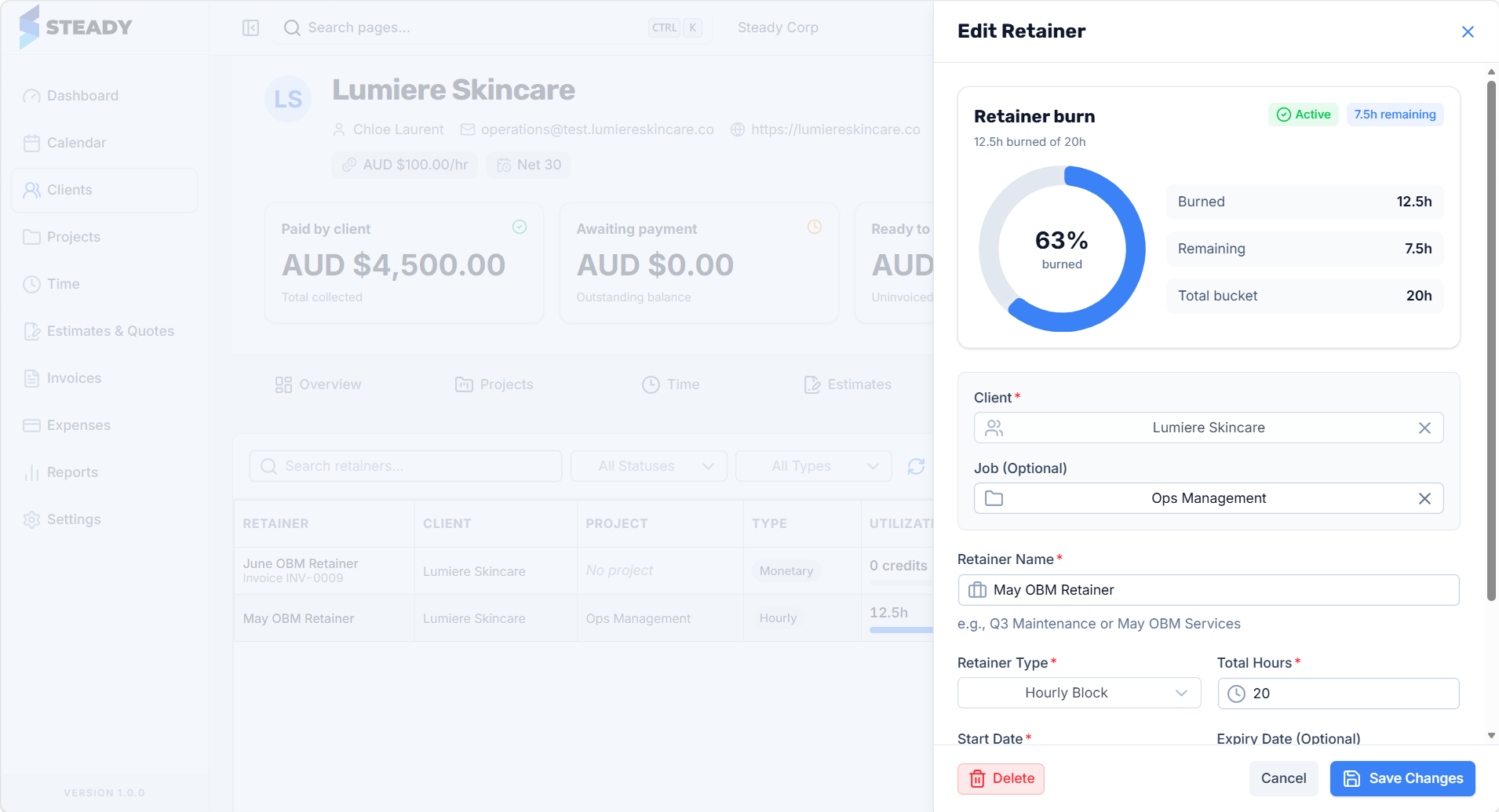
Retainer types
Hours or credits
Activation
Manual or paid invoice
Usage
Burn-down tracking
Without a system
With Steady
What it includes
Model retained work as time or credit value depending on how you sell the agreement.
Retainers are attached to clients so retained capacity is visible in the context of client delivery.
Draft retainers can activate when the associated invoice is marked paid.
Schedule blocks can burn against the retainer so the calendar shows retained commitments before the work is complete.
Time entries can also consume retained hours or credits once work is recorded.
Retainer views show usage and remaining hours or credits so over-serving is easier to spot.
Workflow
Steady keeps the commercial context attached as work moves from planning to delivery, client approval, invoicing, and payment.
Set up the retainer against the client as hours or credits, optionally from the service catalogue.
Activate manually or let Steady activate it when the related invoice is marked paid.
Attach calendar blocks to the retainer so retained commitments are visible before delivery.
Burn down usage from blocks and time entries, then review remaining balance on the retainer view.
Why it matters
Steady makes retained work part of the same calendar and invoicing workflow as the rest of the business.
Questions
Ready to see it live?
Plan the work, protect capacity, manage retainers, keep margin visible, and invoice from records you can trust.